A Modern DMX Lighting Software for Lighting Control
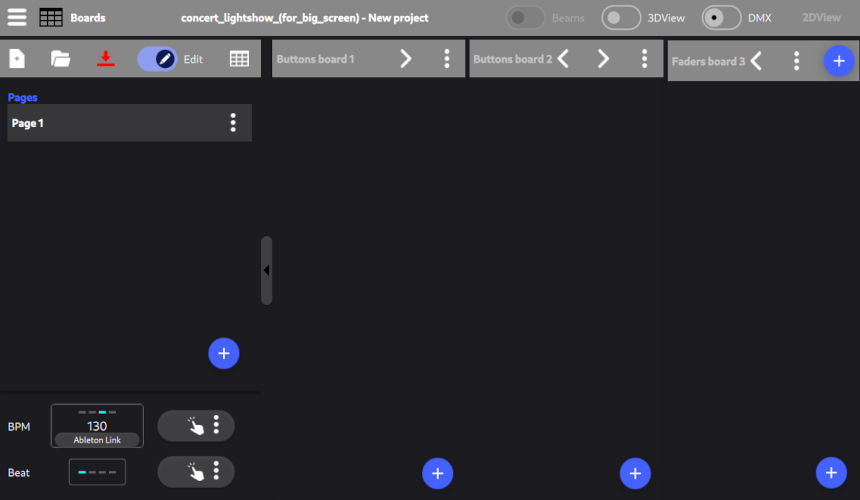
This DMX lighting software runs seamlessly on computers and mobile devices, featuring a fully touch-friendly user interface that adapts automatically to any screen size.
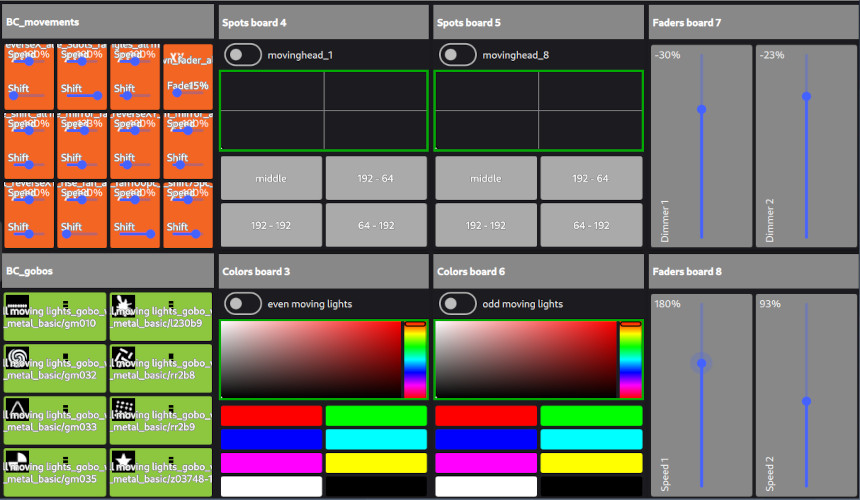
Customize your live control surface. Create your own buttons, sliders, color wheels, and follow spot controls.
Lightshow Creator
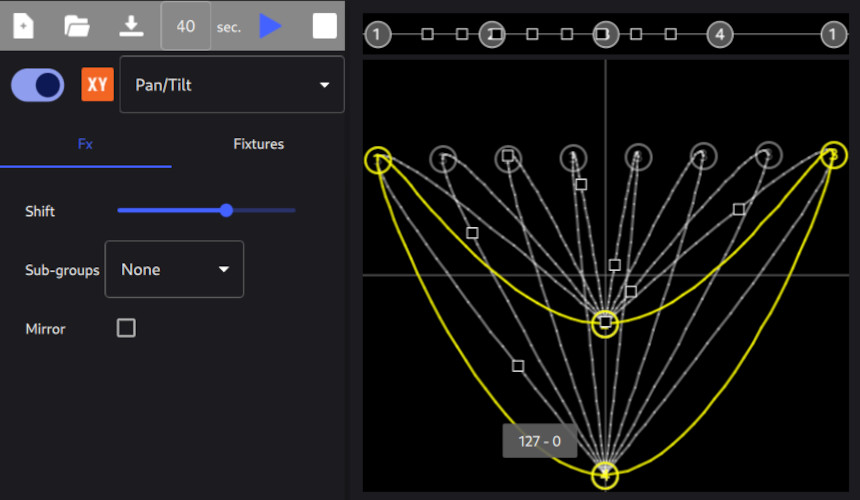
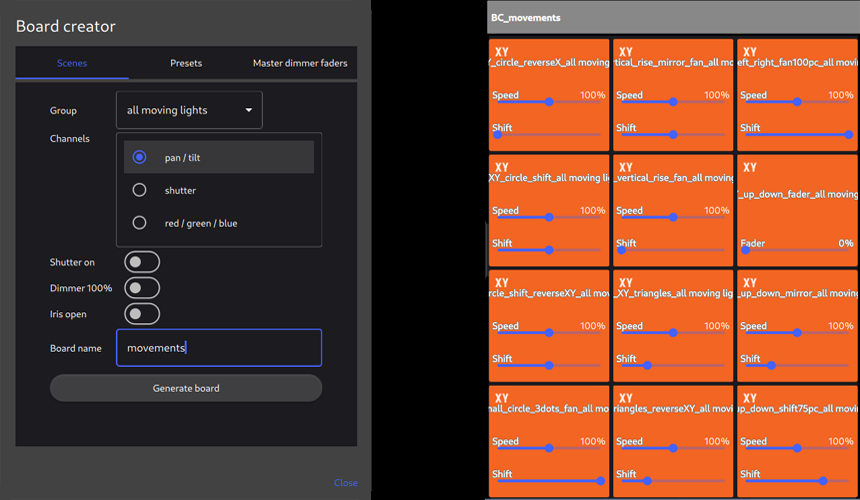
Create a full light show in seconds, no scene programming required. Movement effects, gobos, colors, dimmers, and follow spots are generated for you.
Sound to Beat
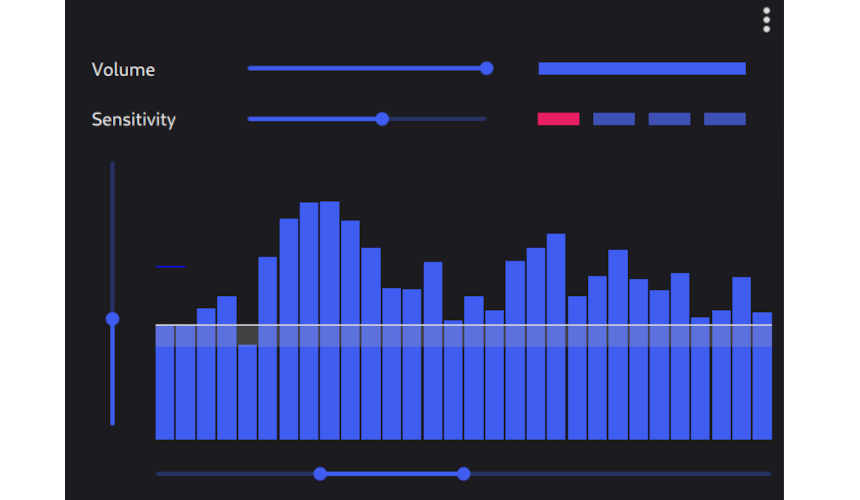
Install our additional Sound-to-Beat module on the audio computer and let the beats automatically drive the lighting effects.
DJ software sync
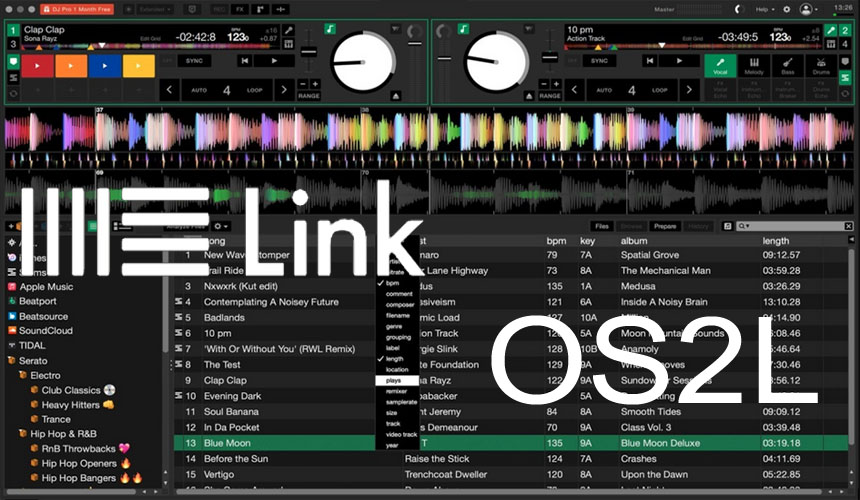
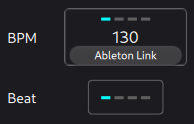
Instantly sync your lightshow to the BPM detected by your favorite DJ or music production software using Ableton Link or OS2L. Compatible with: Serato DJ Pro, Traktor Pro 3, VirtualDJ, Mixxx, djay Pro, MPC Software, Resolume, and many others.
Live
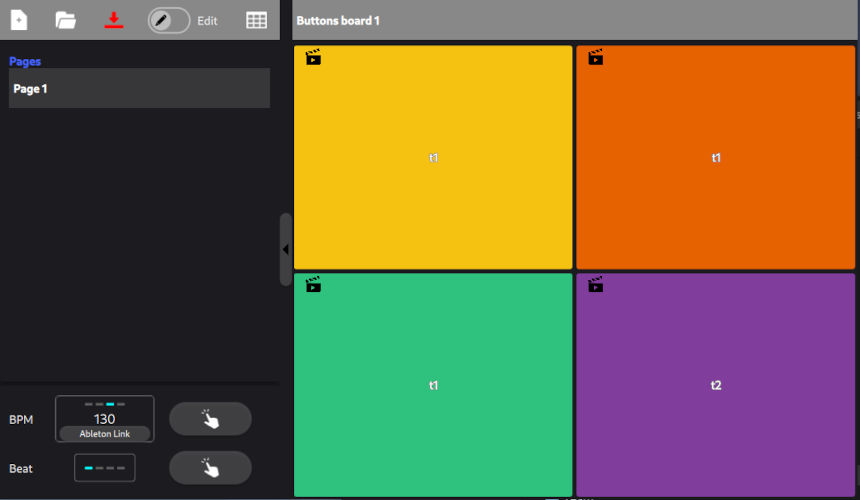
Launch scenes, adjust effects, and control your entire show instantly from customizable boards.
Live functions
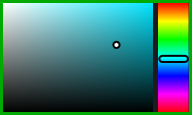
Color Board
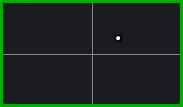
Follow Spot
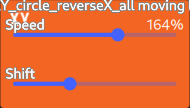
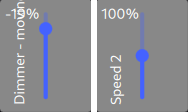
Slider speed & shift
BPM & Beat
Master fader
Sync Sound & Light
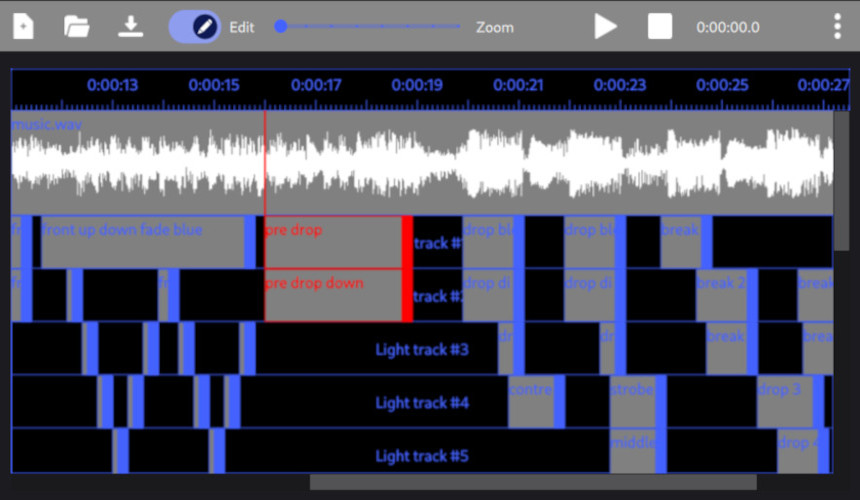
Create a sync show
Sync lights to sound with drag-and-drop. Use the timeline to align audio and lighting cues perfectly.
Play the sync shows
Trigger the sync shows via buttons.
3D Rendering
Preview
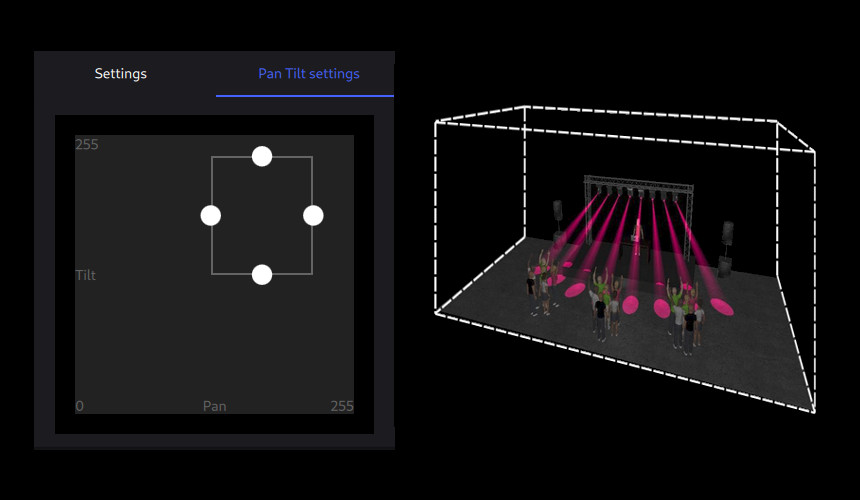
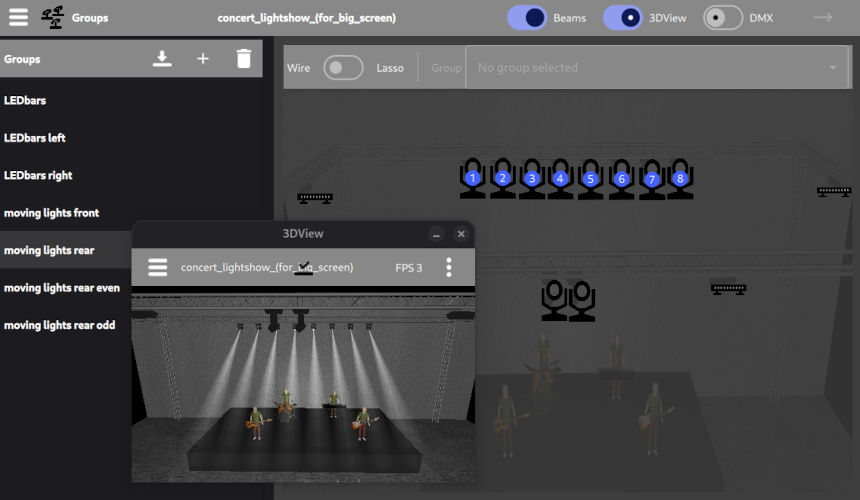
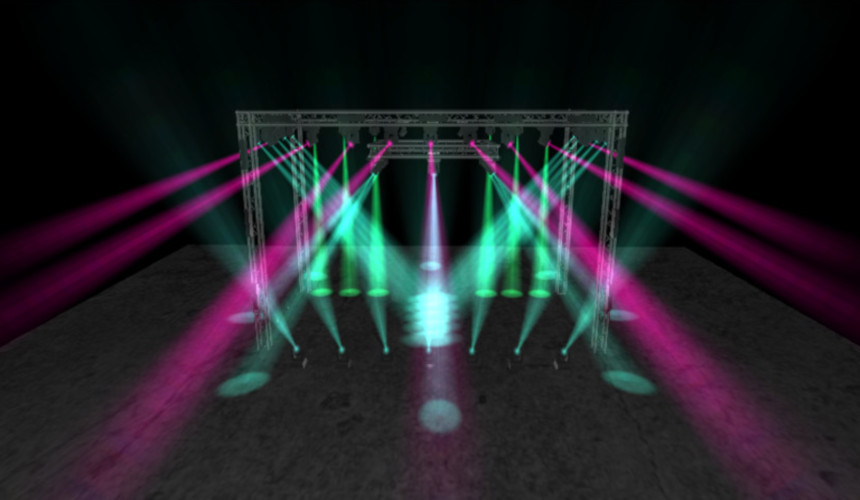
Preview your show in realistic 3D. Place fixtures and watch the lighting in a virtual stage before going live.
3D objects
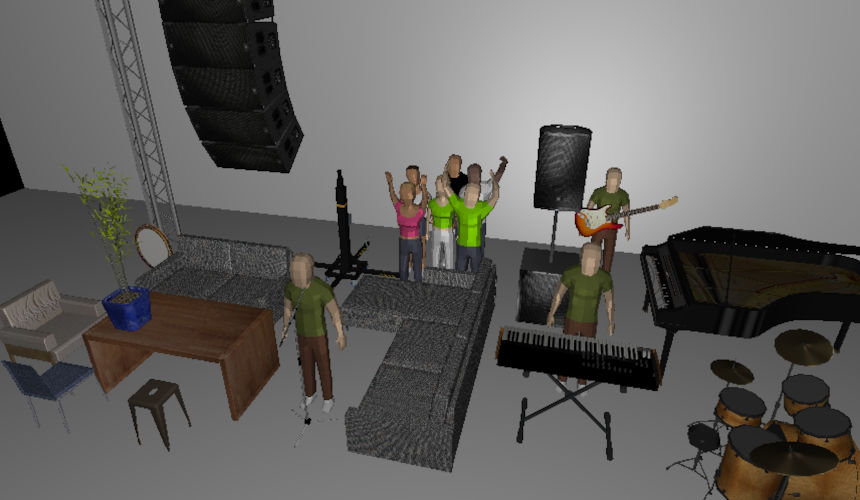
Add 3D objects for a more realistic visualization.
Truss creator
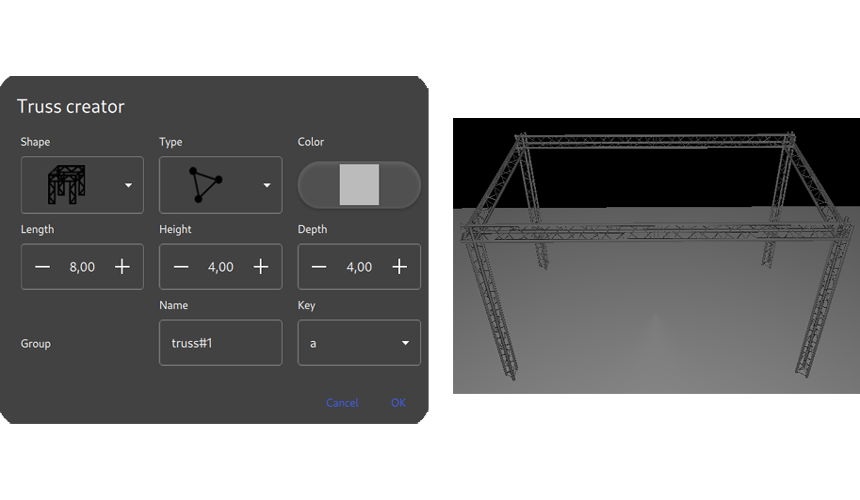
Create a complete truss setup in a few clicks.
Standalone
Scene buttons
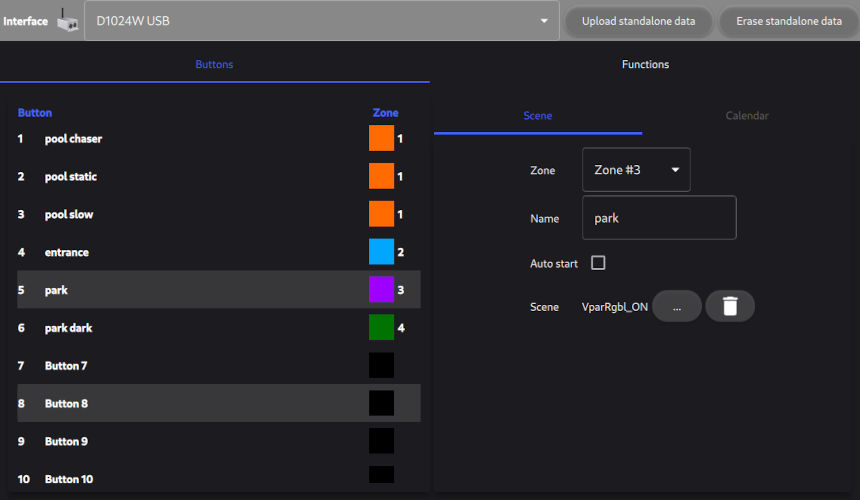
Declare buttons in the DMX interface and upload scenes into those buttons.
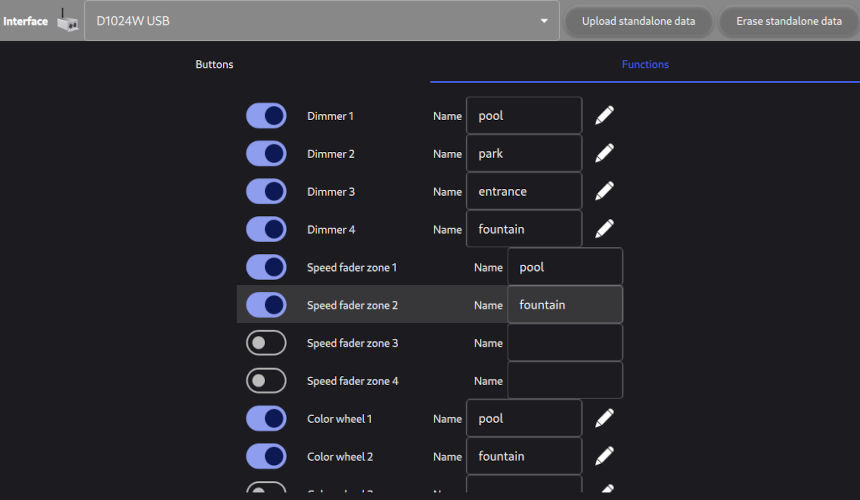
Dimmers, Speeds, colors, spots
Declare dimmer faders, speed faders, color wheels, and follow spots in the DMX interface for live adjustments.