The software offers a complete suite of tools for programming and running lighting shows on a computer, supported by a mature and highly experienced user community.
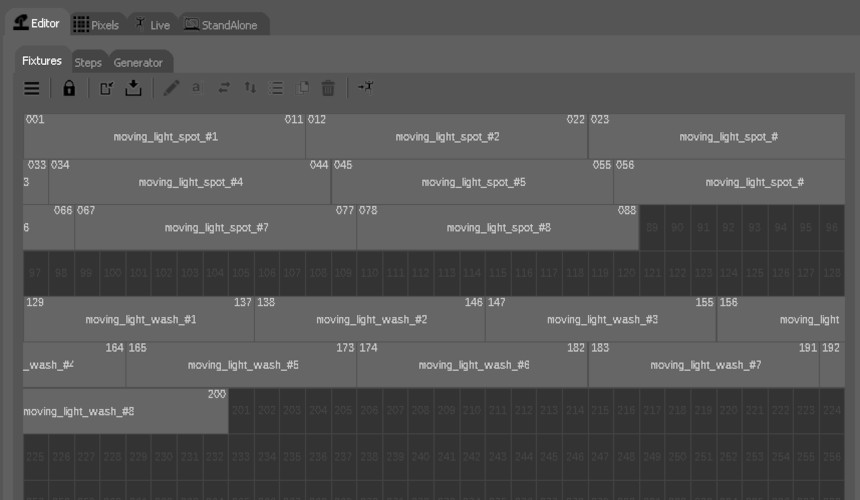
Select fixtures from the built-in library and place them in the 512-channel DMX grid for quick setup.
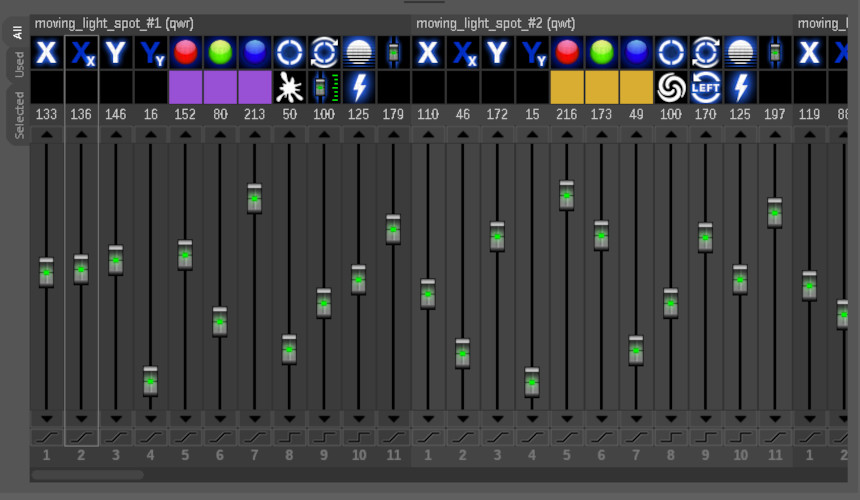
Adjust channel levels and timing to build basic lighting scenes with smooth transitions.
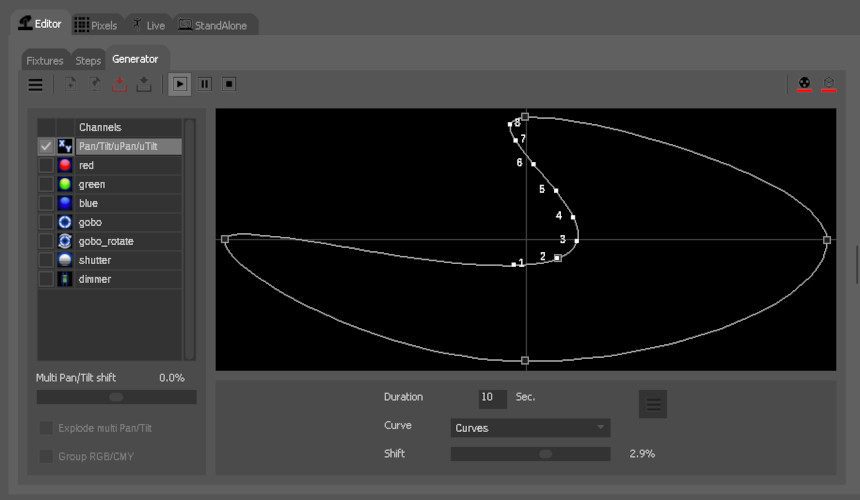
Design dynamic effects visually using curves, timing, and automated animations.
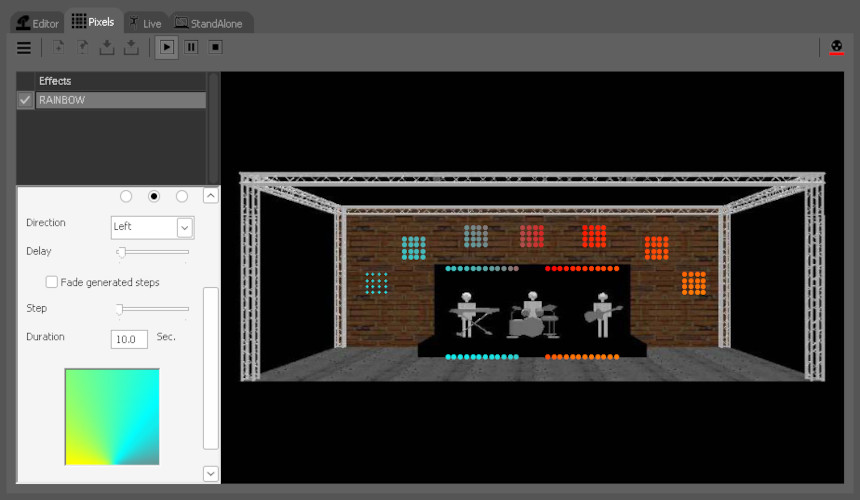
Create rainbow, scrolling text, or animated image effects and apply them across multiple fixtures.
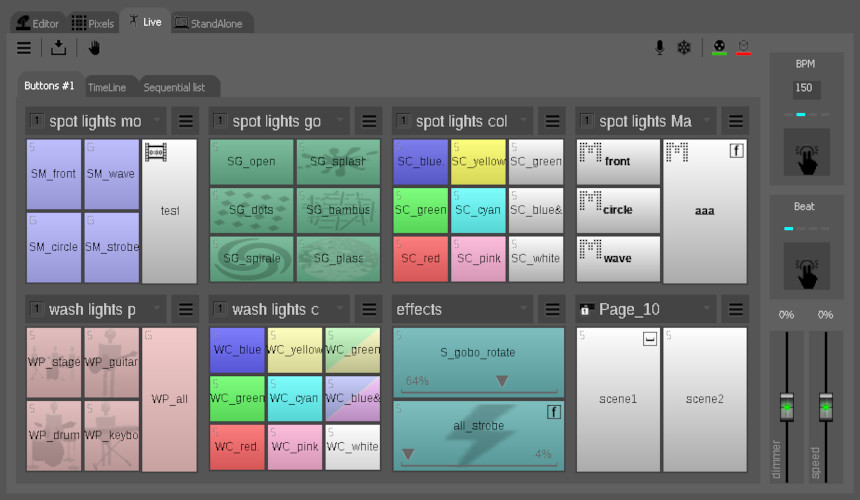
Build your live control screen with buttons and faders.
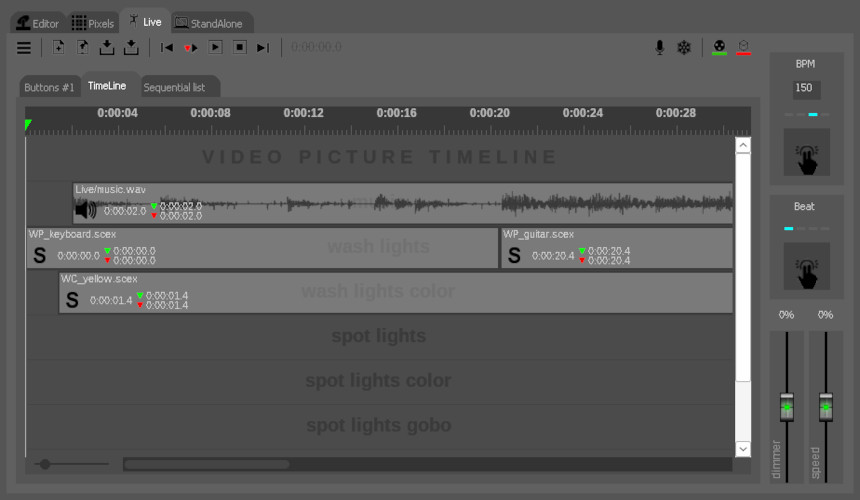
Synchronize lighting to music or video using the timeline for precise cue alignment.
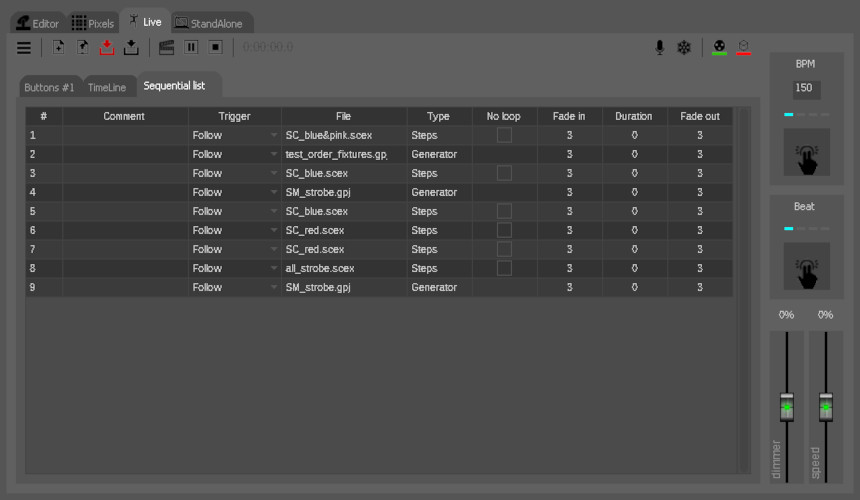
Organize scenes in a cue list and trigger them in sequence with a simple “Go” button.
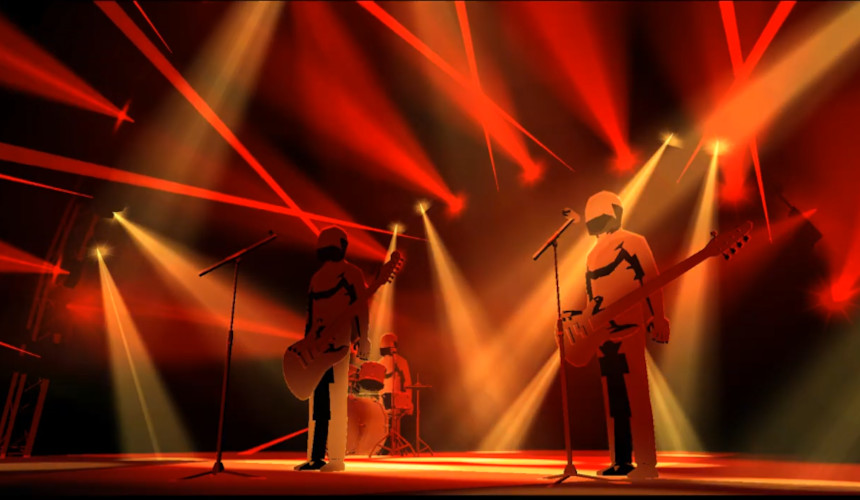
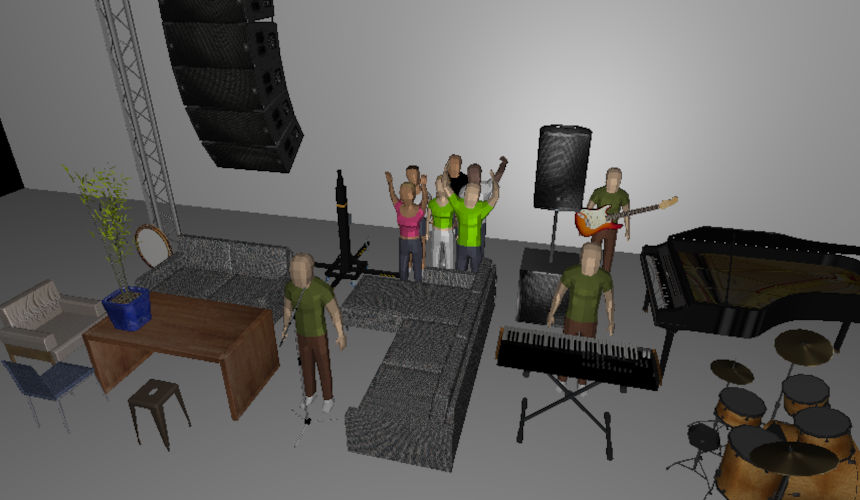
Preview your show in realistic 3D. Place fixtures and watch the lighting in a virtual stage before going live.
Add 3D objects for a more realistic visialization.
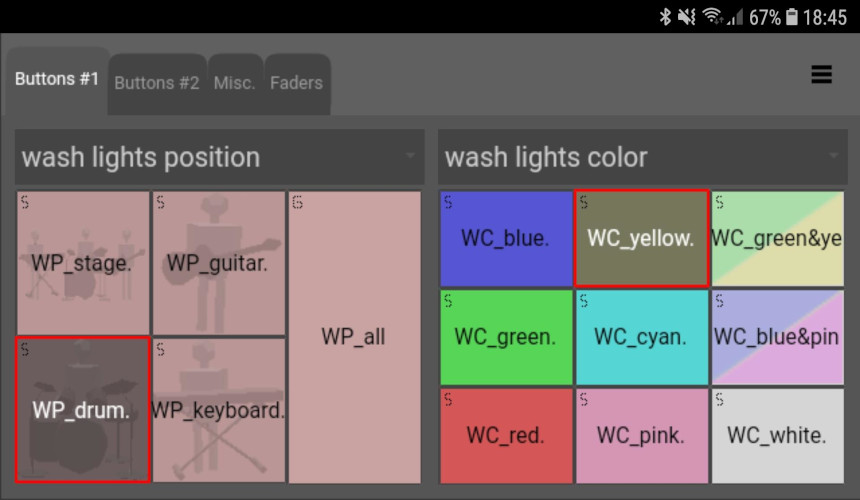
Remote control the « Live » buttons of the PC software.
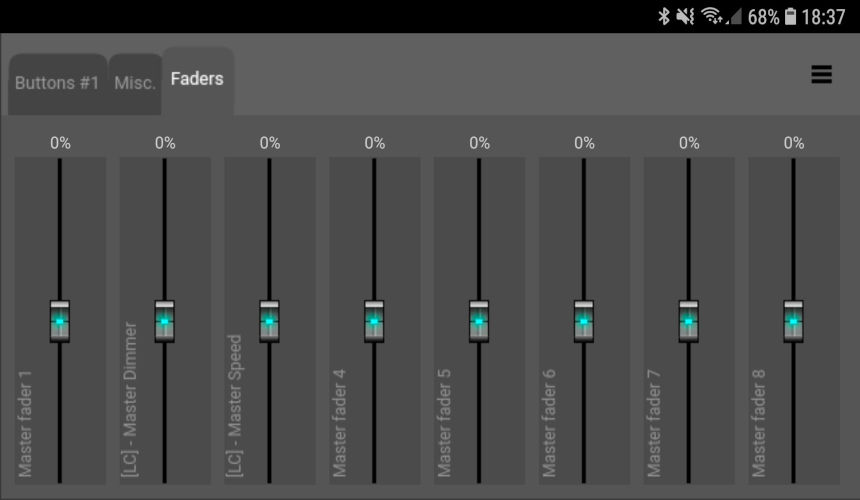
Remote control the « Live » faders of the PC software.
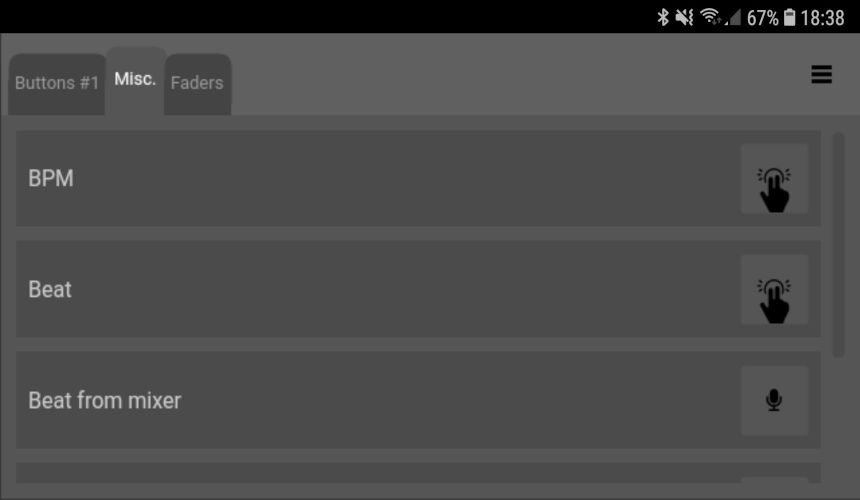
Remote control the « Live » Beat / BPM of the PC software.
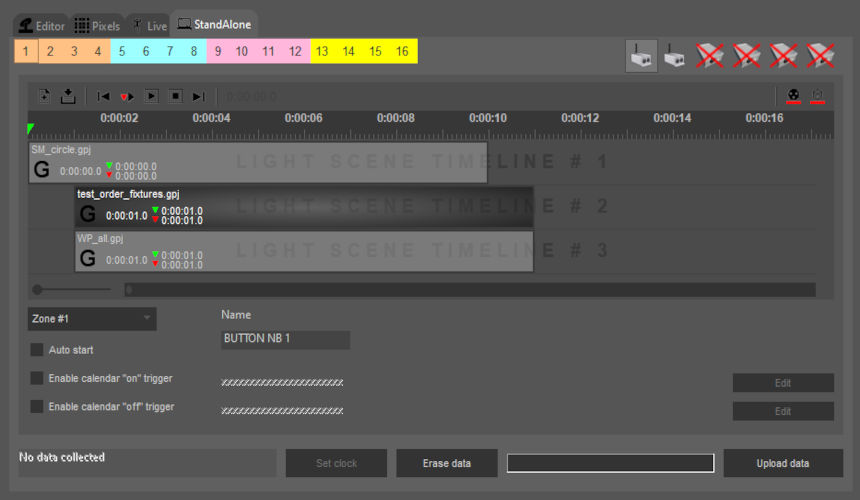
Declare buttons in the DMX interface and upload scenes into those buttons.